GTA6 Guide
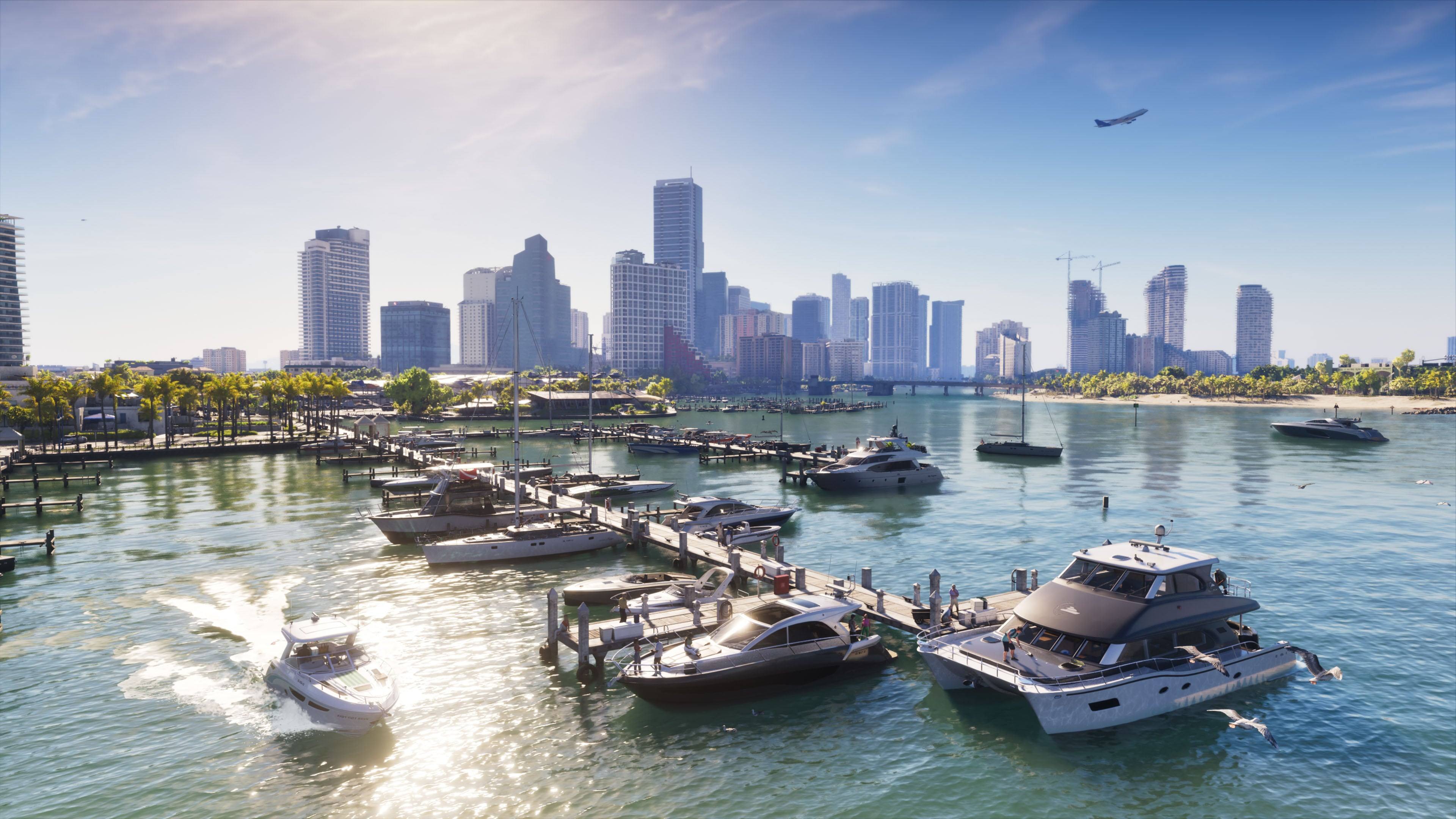
Vice City's skyline over a marina full of boats on a clear day

GTA 6 Known Issues, Bugs & Fixes

Central troubleshooting hub for Grand Theft Auto VI on PS5 and Xbox Series X|S. Every entry distinguishes official Rockstar Support patch resolutions from reported symptoms and community workarounds.

Grand Theft Auto VI screenshot, © Rockstar Games

Confirmed6 Rockstar-Confirmed Patch Entries · 1 Story-Lock & Community Workaround Guide
Checked 2026-11-27

Summary: Official November 23 Launch Update & Save Data Safety

On November 23, 2026, Rockstar Games published Grand Theft Auto VI Launch Updates (PS5 / XBOX Series X|S) (Rockstar’s official support notes list the release date and platforms without specifying numeric console build strings or download sizes). That update confirmed fixes for seven launch issues grouped into the six official entries below: game crashes, stuck weather, autosave failures, missing mission phone calls, stuck Wanted Levels, the unusable gym deadlift bar, and partners failing to hand over bags for sale to fences.

Patch baseline: November 23, 2026 Launch Update (PS5 & Xbox Series X|S — Rockstar Support notes do not specify numeric console build strings)

Non-Destructive Troubleshooting RuleNever delete your local console save files, factory-reset your console, or activate a cheat code on your primary campaign slot to bypass a bug. Third-party guides (PowerPyx) report that GTA VI has 15 manual save slots, 1 autosave slot, and no mission replay function—and that activating any cheat disables saving and Trophies/Achievements. Deleting local saves without a verified cloud backup permanently destroys campaign progress.
PlayStation 5 & Xbox Series X|S Update Check

How to Confirm the November 23 Launch Update Is Installed

  1. PlayStation 5: Highlight Grand Theft Auto VI on the home screen, press Options, and select Check for Update.
  2. Xbox Series X|S: Highlight Grand Theft Auto VI, press the Menu button, and open Manage game and add-ons → Updates.
  3. After installing an update, close the game application completely and relaunch it from a cold boot so updated mission and autosave scripts initialize cleanly.
Save Slot Management (Reported by PowerPyx)

How to Protect Progress Across the 15 Manual Save Slots

  1. Open Pause Menu → Game → Save/Load Game to access the 15 Manual Save Slots alongside the single Autosave Slot.
  2. Because third-party guides report that GTA VI has no mission replay feature, keep permanent manual saves at the start and end of each of the 5 chapters (10 slots) and rotate the remaining 5 slots during free-roam cleanup.
  3. Always create a dedicated manual save before starting “Tourist Trap” in Chapter 1, which locks you into the chapter finale and wipes unbanked pocket/checking cash.
Issue 01 · Mission Progression & Phone CallsPatched in Official Update

Missing Mission Phone Calls & Campaign Progression Blocks

Confirmed
Platforms
PS5 & Xbox Series X|S
Affected Build Scope
Launch builds prior to the November 23, 2026 Launch Update
Last Checked
2026-11-27

Reported Symptoms

  • Reported symptom: follow-up phone calls from story or side-mission contacts fail to ring after finishing an earlier mission.
  • Reported symptom: the next main-story or mission-unlock marker does not appear on the Leonida map even after in-game time passes.

Official Status & Documented Resolution

Rockstar-confirmed fix (November 23, 2026 Launch Update): Rockstar Support confirmed that the update resolves several causes of in-game phone calls failing to trigger, including calls required to advance main story progression or unlock mission content. Rockstar's notes do not state whether every pre-existing save affected by a missed call recovers automatically without reloading.

Official Update Steps & Community-Reported Workarounds

  1. Install the latest Grand Theft Auto VI update on PS5 or Xbox Series X|S and load your most recent manual or autosave slot.
  2. Community-reported workaround (PowerPyx walkthrough notes): if a quest call has not appeared yet in free roam, complete another pending mission or try sleeping at a safehouse bed to advance in-game time.
  3. Community-reported workaround: remain outdoors in free roam without menus or active police heat so queued phone calls can ring.

Risks, Unknowns & Save Safety Limitations

  • Resolution on already-stalled saves remains unconfirmed by Rockstar Support; do not overwrite your earliest pre-issue manual save slot until the next mission marker appears.
  • Never delete local console save data without confirming your PlayStation Plus or Xbox Cloud save backup is current.
Issue 02 · Save System & StabilityPatched in Official Update

Autosave Not Saving Progress Correctly

Confirmed
Platforms
PS5 & Xbox Series X|S
Affected Build Scope
Launch builds prior to the November 23, 2026 Launch Update
Last Checked
2026-11-27

Reported Symptoms

  • Reported symptom: automatic save checkpoints fail to update the Autosave slot timestamp after completing missions, robberies, or collectible pickups.
  • Reported symptom: reloading the game after closing the application returns the player to an earlier checkpoint.

Official Status & Documented Resolution

Rockstar-confirmed fix (November 23, 2026 Launch Update): Rockstar Support confirmed a fix for an issue that prevented the game from recording autosaves properly.

Official Update Steps & Community-Reported Workarounds

  1. Install the November 23, 2026 Launch Update on PS5 or Xbox Series X|S before relying on automatic saves.
  2. Community-reported best practice (PowerPyx Trophy & Walkthrough Guides): GTA VI provides 15 manual save slots and 1 autosave slot (Pause Menu → Game → Save/Load Game). Keep rotating manual saves—including permanent slots at the start and end of each chapter and before the Chapter 1 point-of-no-return mission 'Tourist Trap'.
  3. Check that no cheat code was activated during your play session; third-party guides report that using cheats disables game saving and trophies/achievements.

Risks, Unknowns & Save Safety Limitations

  • Progress lost before the patch was installed cannot be recovered if no manual save was recorded.
  • GTA VI does not include a mission replay feature (reported by PowerPyx), so overwriting your only manual save slot is irreversible.
Issue 03 · Save System & StabilityPatched in Official Update

Game Crashes During Gameplay Sessions

Confirmed
Platforms
PS5 & Xbox Series X|S
Affected Build Scope
Launch builds prior to the November 23, 2026 Launch Update
Last Checked
2026-11-27

Reported Symptoms

  • Reported symptom: unexpected application crashes to the PlayStation 5 or Xbox Series X|S dashboard during gameplay.

Official Status & Documented Resolution

Rockstar-confirmed fix (November 23, 2026 Launch Update): Rockstar Support confirmed fixes for several issues that caused the game to crash on PS5 and Xbox Series X|S. Rockstar's advisory does not enumerate individual crash triggers or guarantee that all possible crash scenarios are eliminated.

Official Update Steps & Community-Reported Workarounds

  1. Ensure the November 23, 2026 Launch Update is installed on your console.
  2. Community-reported workaround: fully close and restart the game application rather than resuming a multi-day suspended console session, and reboot the console after installing title updates.
  3. Save manually across your 15 manual save slots after major missions or collectible runs so an unexpected crash never costs more than a few minutes.

Risks, Unknowns & Save Safety Limitations

  • Do not uninstall or delete local save data to troubleshoot a crash unless a console system prompt explicitly reports corrupted installation media.
  • Never power off the console while a manual save or autosave is actively writing.
Issue 04 · Economy & Partner FencesPatched in Official Update

Partners Failing to Hand Over Loot Bags for Sale to Fences

Confirmed
Platforms
PS5 & Xbox Series X|S
Affected Build Scope
Launch builds prior to the November 23, 2026 Launch Update
Last Checked
2026-11-27

Reported Symptoms

  • Reported symptom: after looting narcotics, jewelry, or marked bills with your partner, the partner fails to hand over their stash bag so the goods can be sold at a fence.

Official Status & Documented Resolution

Rockstar-confirmed fix (November 23, 2026 Launch Update): Rockstar Support confirmed a fix for an issue where AI partners failed to hand over looted bags so players could sell stolen goods to fences.

Official Update Steps & Community-Reported Workarounds

  1. Install the November 23, 2026 Launch Update so partner bag handoffs function properly at fence locations.
  2. Community-reported loot-handling tip (GTA Base & PowerPyx): stolen goods are carried in stash bags that can be stowed in the trunk of your vehicle before driving to a fence (marked by green map icons such as Brian's Lockup, Donnie, Dunk, or Yasmani).
  3. Always shake off any active police pursuit before arriving at a drop-off, as stash bags in a vehicle or on your character can be lost if you are wasted or busted.

Risks, Unknowns & Save Safety Limitations

  • Selling stolen goods still requires unlocking the relevant regional fence through story progression (note: Vice reports Chapter 1 fences work immediately, whereas GTA BOOM reports Donnie unlocks after 'Lab Fees').
Issue 05 · Open-World & ActivitiesPatched in Official Update

Unable to Lose Wanted Level & Weather Not Changing for Extended Periods

Confirmed
Platforms
PS5 & Xbox Series X|S
Affected Build Scope
Launch builds prior to the November 23, 2026 Launch Update
Last Checked
2026-11-27

Reported Symptoms

  • Reported symptom: an active Wanted Level refuses to clear even after breaking police line of sight and leaving the search radius.
  • Reported symptom: Leonida open-world weather remains stuck in the same condition for extended periods without transitioning.

Official Status & Documented Resolution

Rockstar-confirmed fixes (November 23, 2026 Launch Update): Rockstar Support confirmed fixes for two open-world state bugs—one that prevented players from losing an active Wanted Level, and another that caused weather conditions to remain unchanged for extended periods.

Official Update Steps & Community-Reported Workarounds

  1. Install the November 23, 2026 Launch Update on PS5 or Xbox Series X|S.
  2. Community-reported evasion tip (GTA BOOM & PowerPyx): swap outfits or vehicles when heat builds, or visit a Pay 'n' Spray garage to repaint your vehicle outside active police sightlines.
  3. If a wanted state persists on an unpatched session, reload a recent manual save rather than activating a cheat code.

Risks, Unknowns & Save Safety Limitations

  • Do not enter any cheat code on your main campaign save to manipulate weather or wanted stars; third-party guides report that activating cheats disables saving and trophies/achievements.
Issue 06 · Open-World & ActivitiesPatched in Official Update

Unable to Use the Deadlift Bar in the Gym

Confirmed
Platforms
PS5 & Xbox Series X|S
Affected Build Scope
Launch builds prior to the November 23, 2026 Launch Update
Last Checked
2026-11-27

Reported Symptoms

  • Reported symptom: approaching the deadlift bar at an in-game gym fails to trigger or complete the workout interaction.

Official Status & Documented Resolution

Rockstar-confirmed fix (November 23, 2026 Launch Update): Rockstar Support confirmed a fix for an interaction bug that prevented players from using the deadlift bar at in-game gyms.

Official Update Steps & Community-Reported Workarounds

  1. Update Grand Theft Auto VI to the November 23, 2026 Launch Update or newer to restore the gym deadlift interaction.
  2. Gameplay context (reported by PowerPyx & Insider Gaming): gym workouts build character Strength (needed for the 'Personal Best' Bronze trophy—reaching maximum Strength with Jason and Lucia at the same time) and count toward the 100-workout unlock prerequisite for the 'Body Armor' cheat code.

Risks, Unknowns & Save Safety Limitations

  • Note on Chapter 2 story effects (reported by GTA Base): Jason is badly injured during the Chapter 1 finale ('Tourist Trap'), which causes his fitness to drop at the start of Chapter 2—this is a scripted story event rather than a gym bug.
Issue 07 · Controls & Visual CalibrationCommunity-Reported Workarounds

Character Switching Temporarily Restricted or Personal Vehicle Missing in Chapter 1–2

Shown / reported
Platforms
PS5 & Xbox Series X|S
Affected Build Scope
Retail release (Story-gated mechanics vs. free-roam state; checked Nov 27, 2026)
Last Checked
2026-11-27

Reported Symptoms

  • Reported player confusion: unable to switch to Jason or Lucia during parts of Chapter 1 or immediately after the Chapter 1 finale ('Tourist Trap').
  • Reported player confusion: Jason's starting personal vehicle ('70 Ganado) is destroyed in Chapter 1 or disappears along with the Key Lento house after finishing Chapter 1.

Official Status & Documented Resolution

Not an official Rockstar bug fix—third-party walkthroughs (PowerPyx and GTA Base) document that these are scripted story restrictions: (1) starting 'Tourist Trap' locks you into the closing Chapter 1 mission chain with no free-roam in between and prevents playing as Jason for an extended stretch of early Chapter 2; and (2) you permanently lose the Key Lento house and Jason's Chapter 1 personal vehicle at the end of Chapter 1.

Official Update Steps & Community-Reported Workarounds

  1. If Jason's '70 Ganado is accidentally destroyed during Chapter 1 (before 'Tourist Trap'), PowerPyx reports making a manual save and reloading it (Pause Menu → Game → Save/Load Game) to respawn at Jason's house with the car parked outside.
  2. Do not spend excessive cash upgrading Jason's Chapter 1 personal vehicle at Coastal Auto Care, as PowerPyx and GTA Base report the car and its upgrades are permanently lost at the Chapter 1 finale. The ability to register new personal vehicles unlocks automatically in Chapter 2.
  3. If you want to call your partner to join an open-world robbery when both characters are available in free roam, PowerPyx reports holding L1 (PS5) / LB (Xbox) and pressing Triangle (PS5) / Y (Xbox) to meet up.

Risks, Unknowns & Save Safety Limitations

  • These behaviors are reported by third-party guides (PowerPyx, GTA Base) and have not been independently verified by GTA6 Guide. Do not delete save files to troubleshoot a story-gated character lock.

Troubleshooting questions

How do I fix missing mission phone calls in GTA 6?

Install the official November 23, 2026 Launch Update on PS5 or Xbox Series X|S, which Rockstar Support confirms fixed several issues where phone calls failed to trigger (including calls that progressed the story or unlocked mission content). Third-party walkthroughs (PowerPyx) also suggest completing another pending quest or sleeping in a safehouse bed to advance in-game time.

Why is my partner not handing over loot bags at fences in GTA 6?

In the launch build prior to November 23, 2026, partners could fail to hand over looted bags for sale to fences. Rockstar Games confirmed a fix for this issue in the November 23, 2026 Launch Update on PS5 and Xbox Series X|S.

What did Rockstar Games fix in the November 23, 2026 GTA 6 Launch Update?

According to Rockstar Support's official November 23, 2026 article ('Grand Theft Auto VI Launch Updates (PS5 / XBOX Series X|S)'), the update fixed: (1) several game crash causes, (2) weather not changing for extended periods, (3) the game not autosaving correctly, (4) phone calls not triggering correctly to progress the story or unlock mission content, (5) players being unable to lose their Wanted Level, (6) players being unable to use the deadlift bar in the Gym, and (7) partners not handing over bags to sell to fences.

Should I delete my local GTA 6 save data to fix a mission bug?

No. Never delete local save files without verifying that a current PlayStation Plus or Xbox Cloud backup exists. Third-party guides (PowerPyx) report that GTA 6 offers 15 manual save slots and 1 autosave slot with no mission replay feature, so keeping rotating manual saves at the start and end of each chapter is the safest protection.